How to order and activate a corporate eSIM online in minutes with IoTie.
IoTies Multi-Network Corporate eSIM is perfect for businesses that want to ensure employees can stay connected to the Internet when travelling. Offering Multi-Network seamless roaming in over 190 countries worldwide, the IoTie business eSIM is the perfect solution delivering access to corporate VPN's, and business critical systems.
In order to order a Pay As You Go business eSIM on-online please follow these steps. Please note IoTie also offers credit terms for corporate account holders, please contact sales on +44 (0)1635 953890 for further information.
Step 1 - Ordering
Please navigate to our on-line eSIM ordering page https://mobile.iotie.com/guest_order_pay_as_you_go_esim/product/
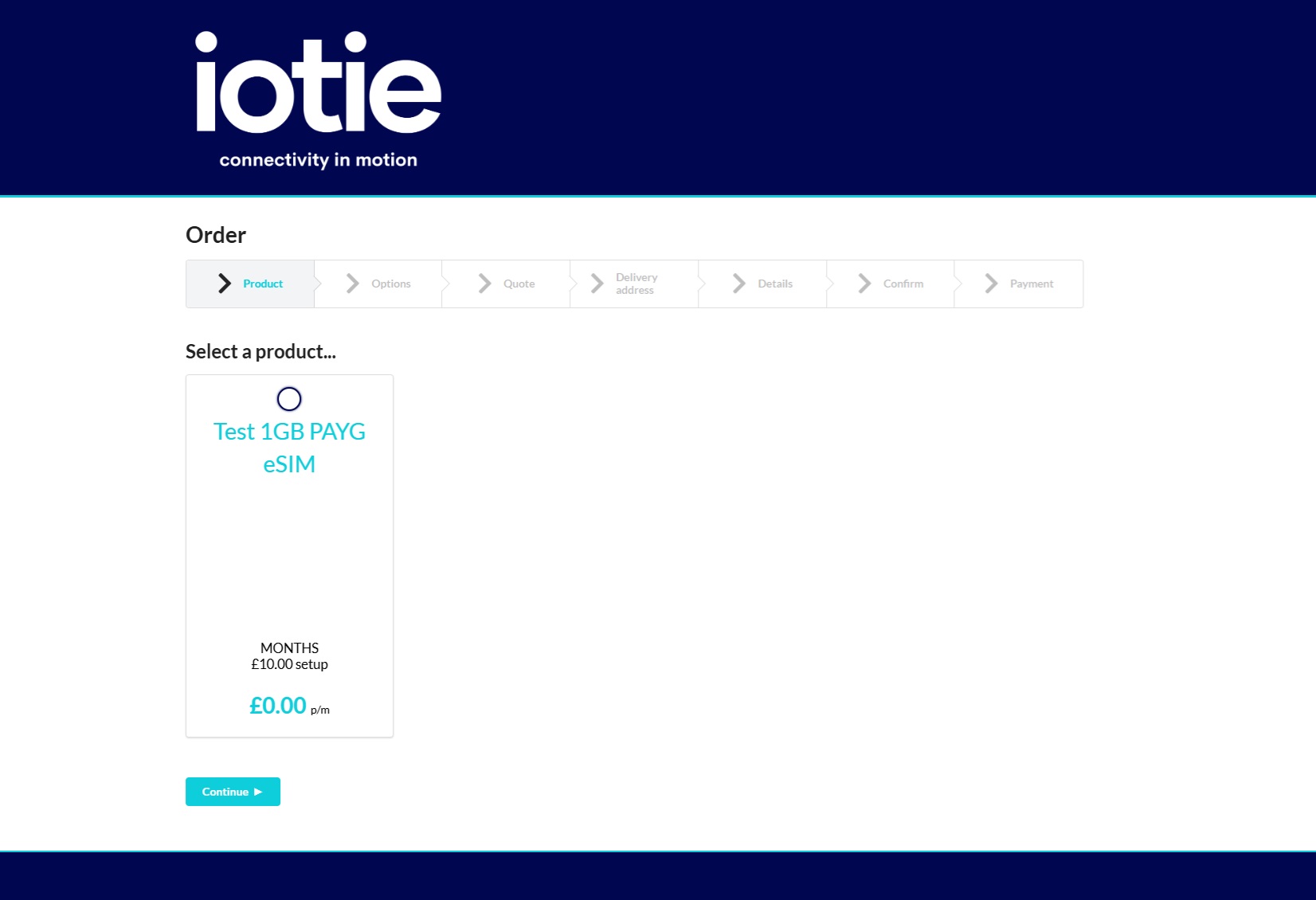
Click on the relevant eSIM package you require (please note screen shots are from our test platform) and click continue.
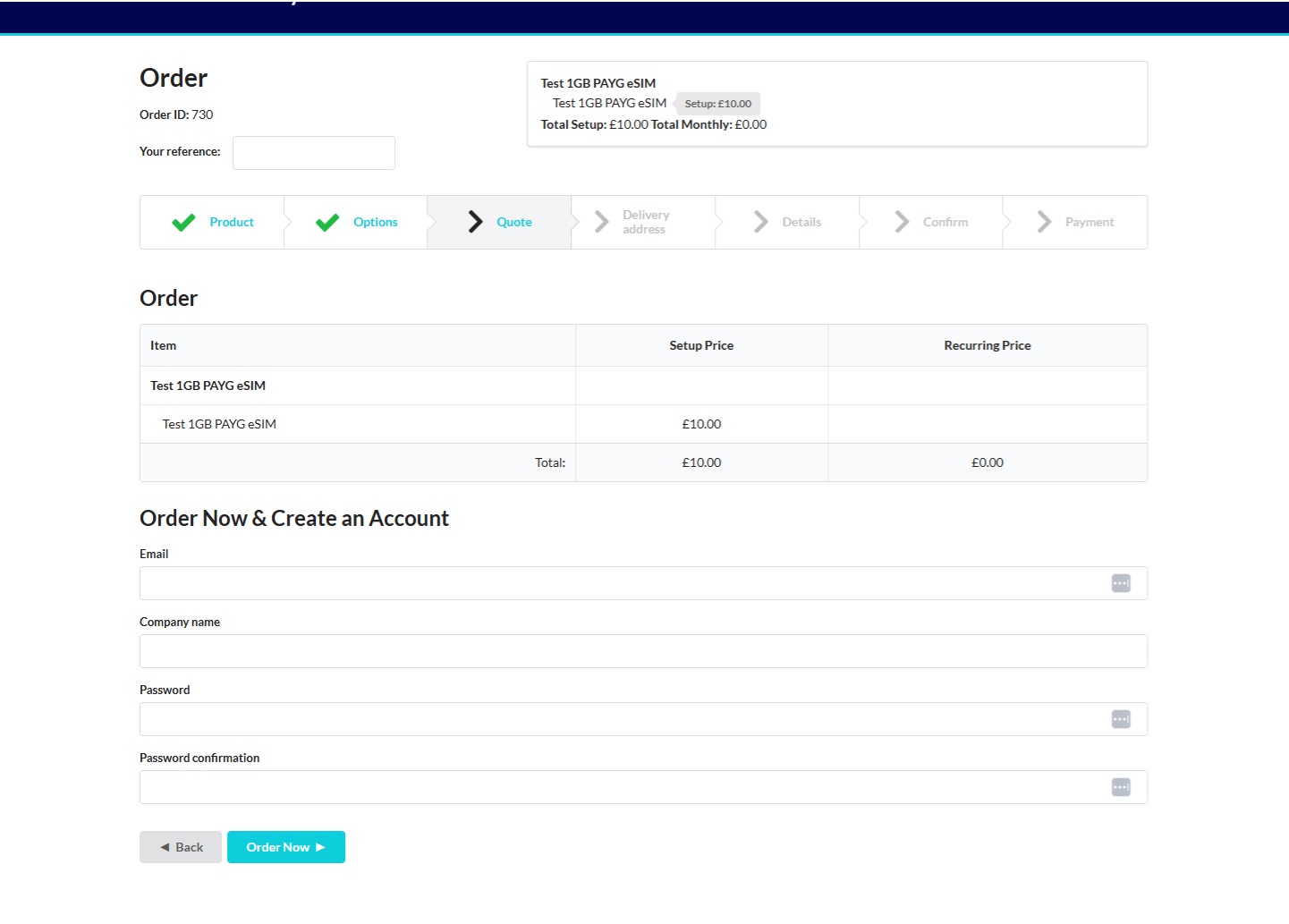
Step 2 - Create an IoTie PAYG account
Once you have chosen your product, continue until you reach the account creation stage and complete your details to create a PAYG account and click on the Order Now button.
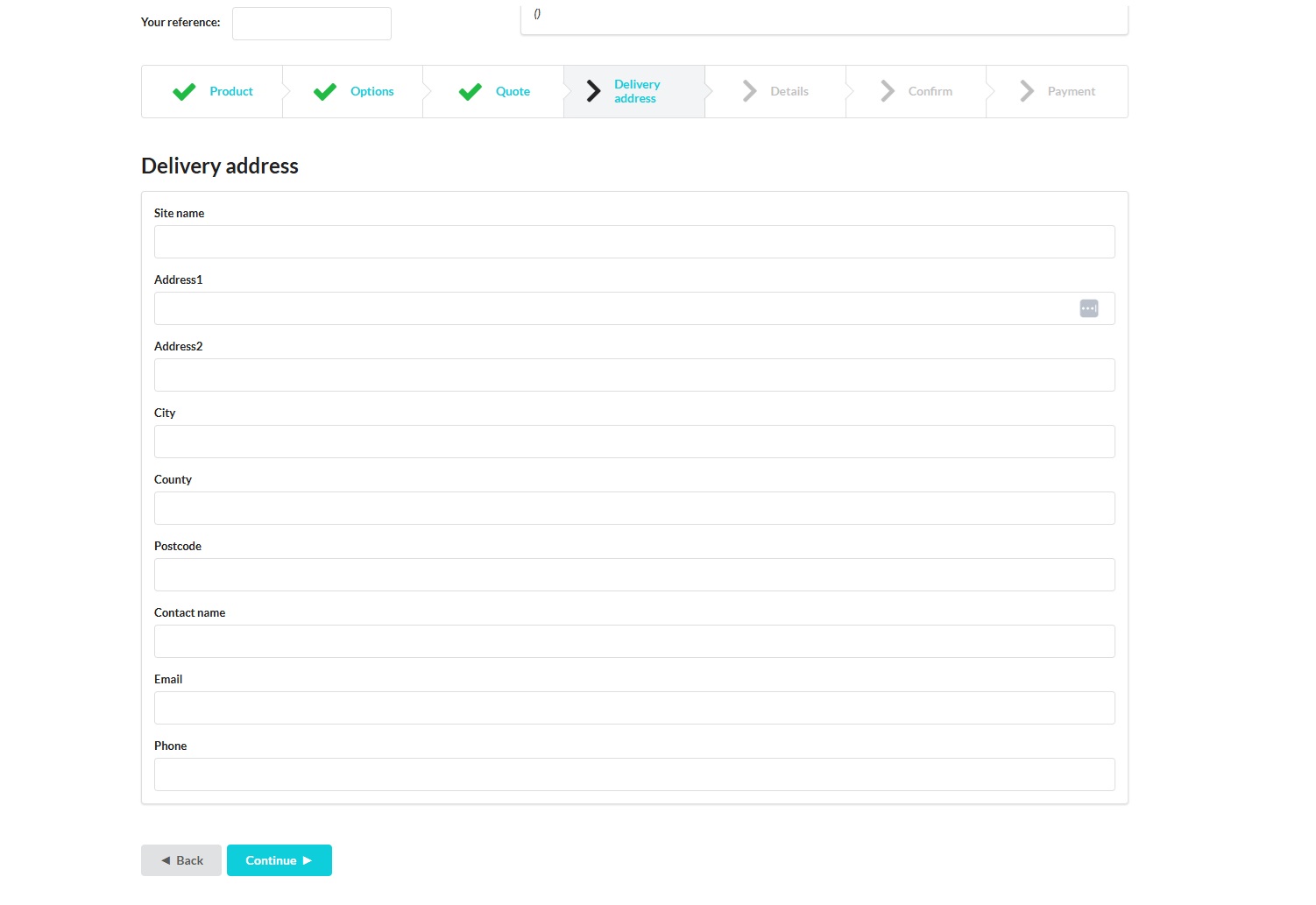
Step 3 - Complete Address and Contact Details
Next enter your account address details and click continue
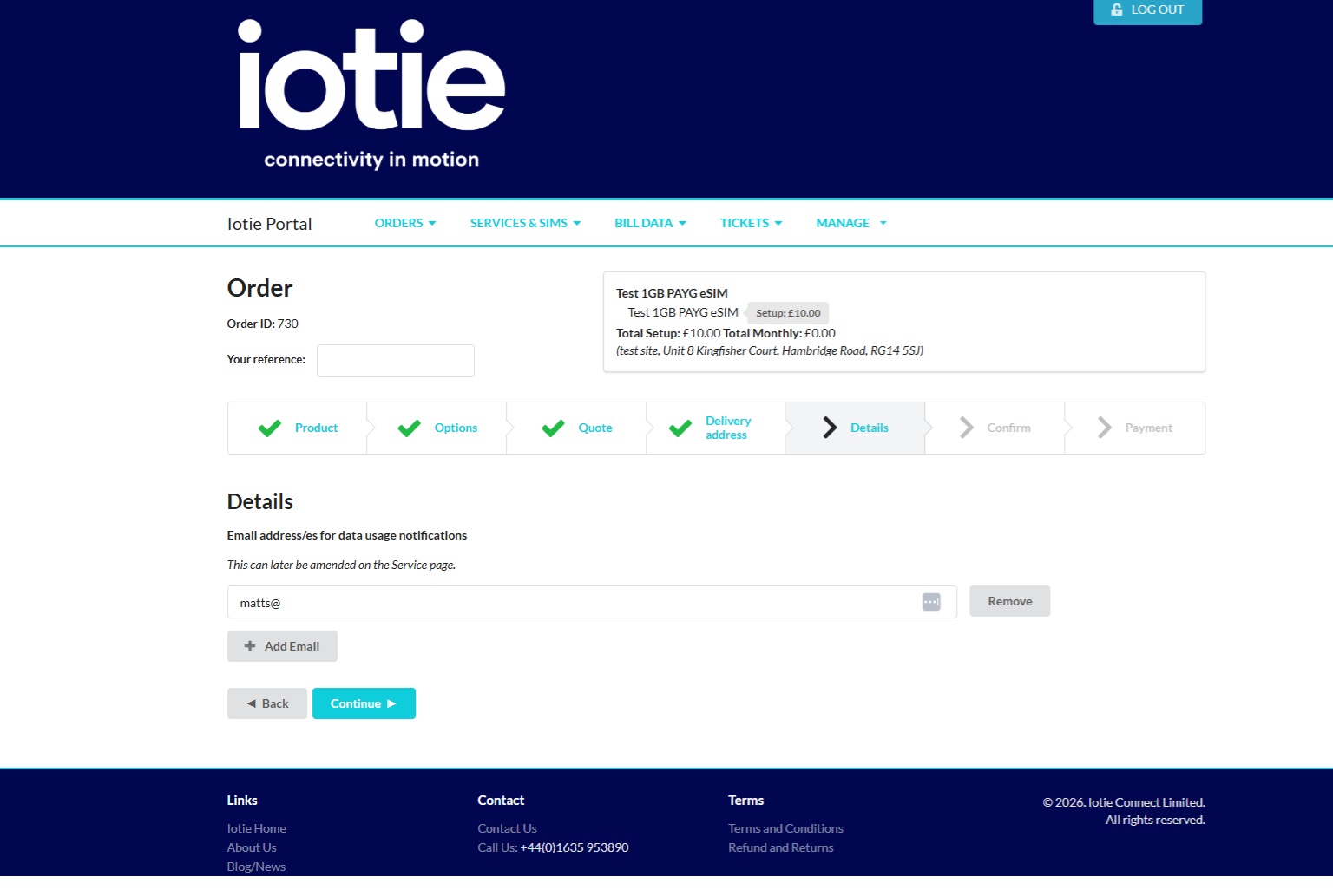
Step 4 - Enter Email Address for Data Usage Alerts
Next enter your email address to obtain notifications about data usage and data top-up options.
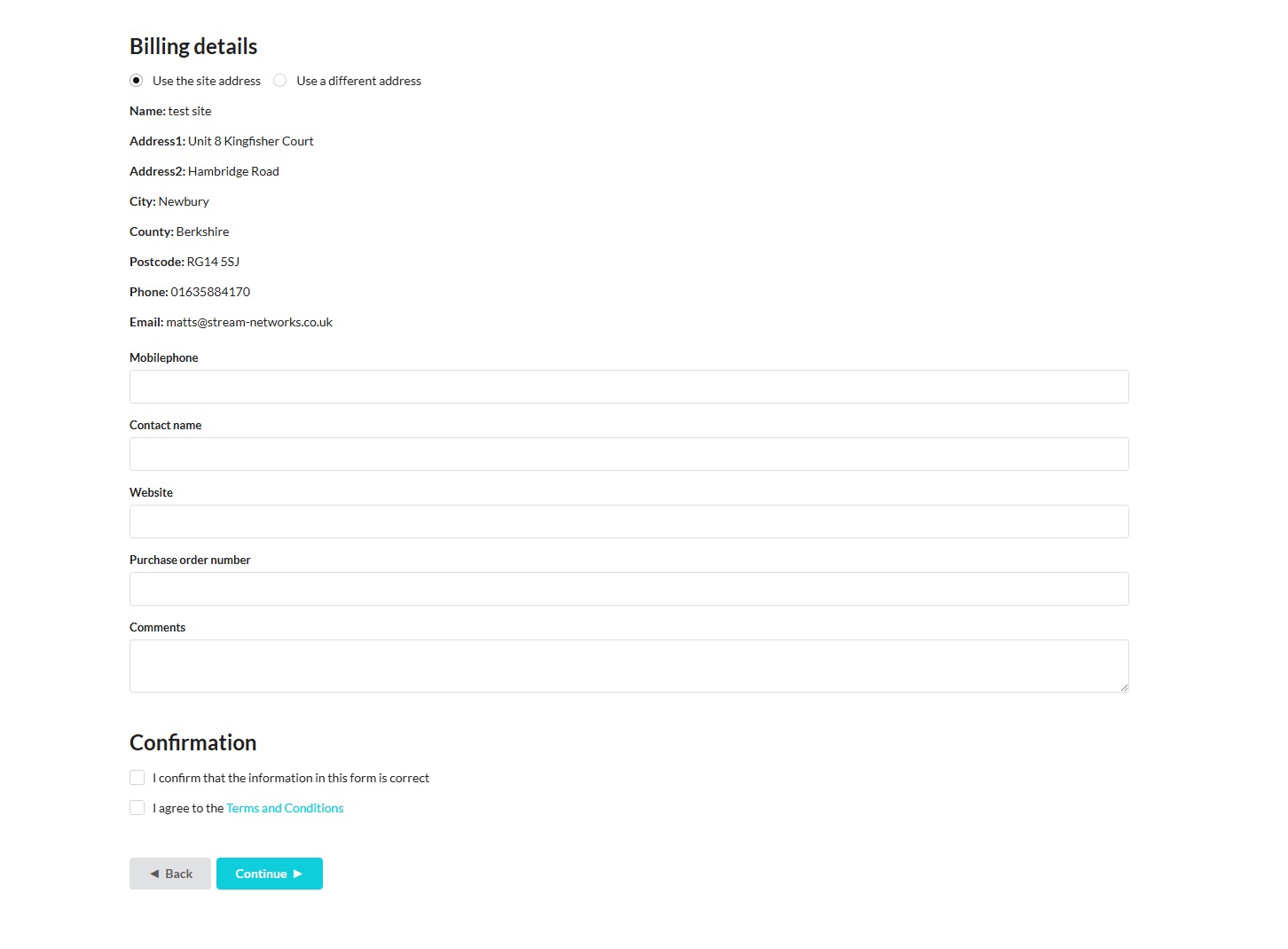
Step 5 - Complete Contact Details and Accept our T's & C's
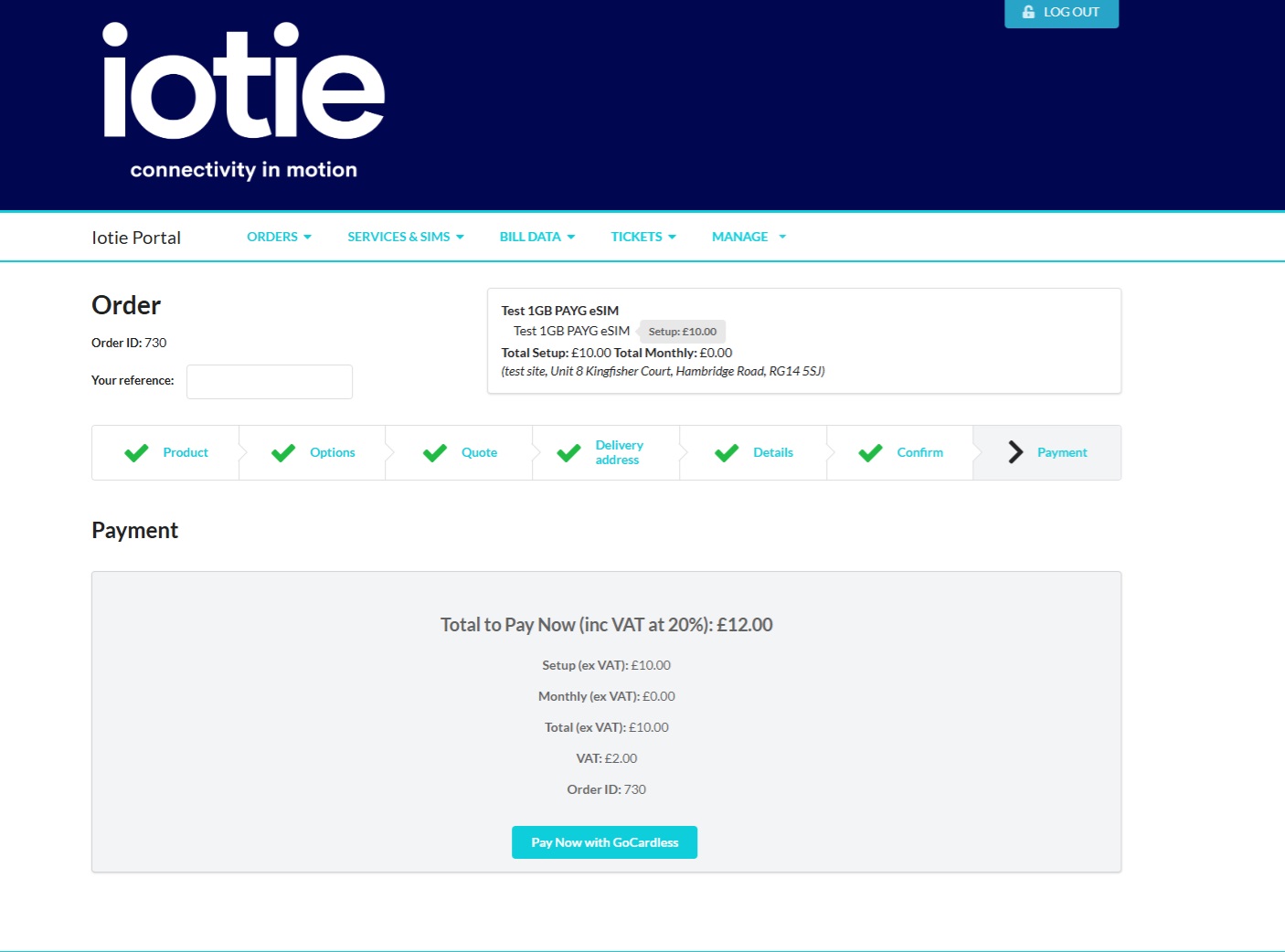
Step 6 - Complete Payment Using Go-Cardless
Step 6 - Activate Your Business eSIM
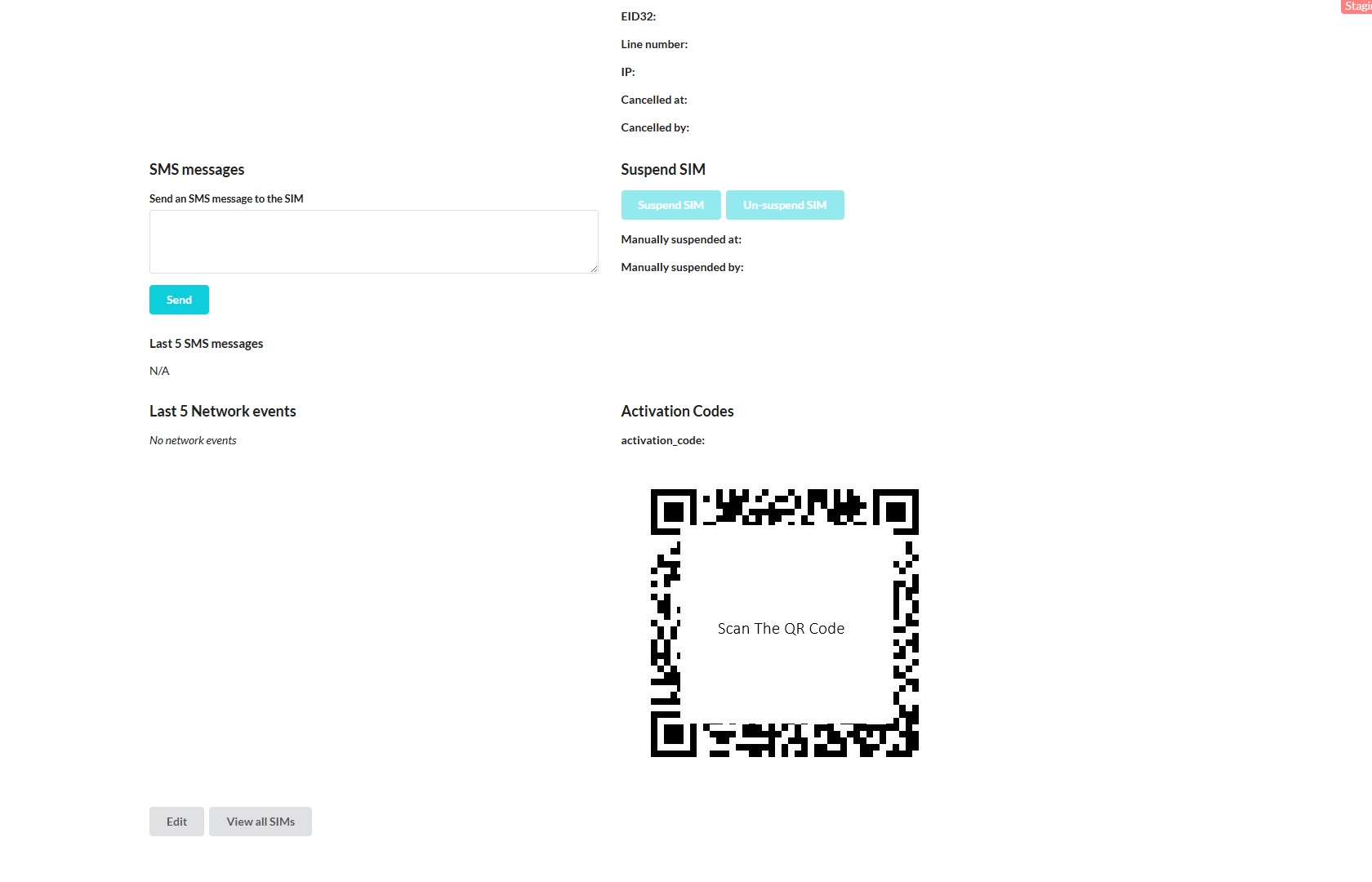
Once you have completed your payment your SIM will be activated and ready to use. Simply scan the QR Code in your account with your mobile phone and your mobile will automatically download and install the eSIM on your phone.